Projects in ChatGPT – Organize Your AI Work!
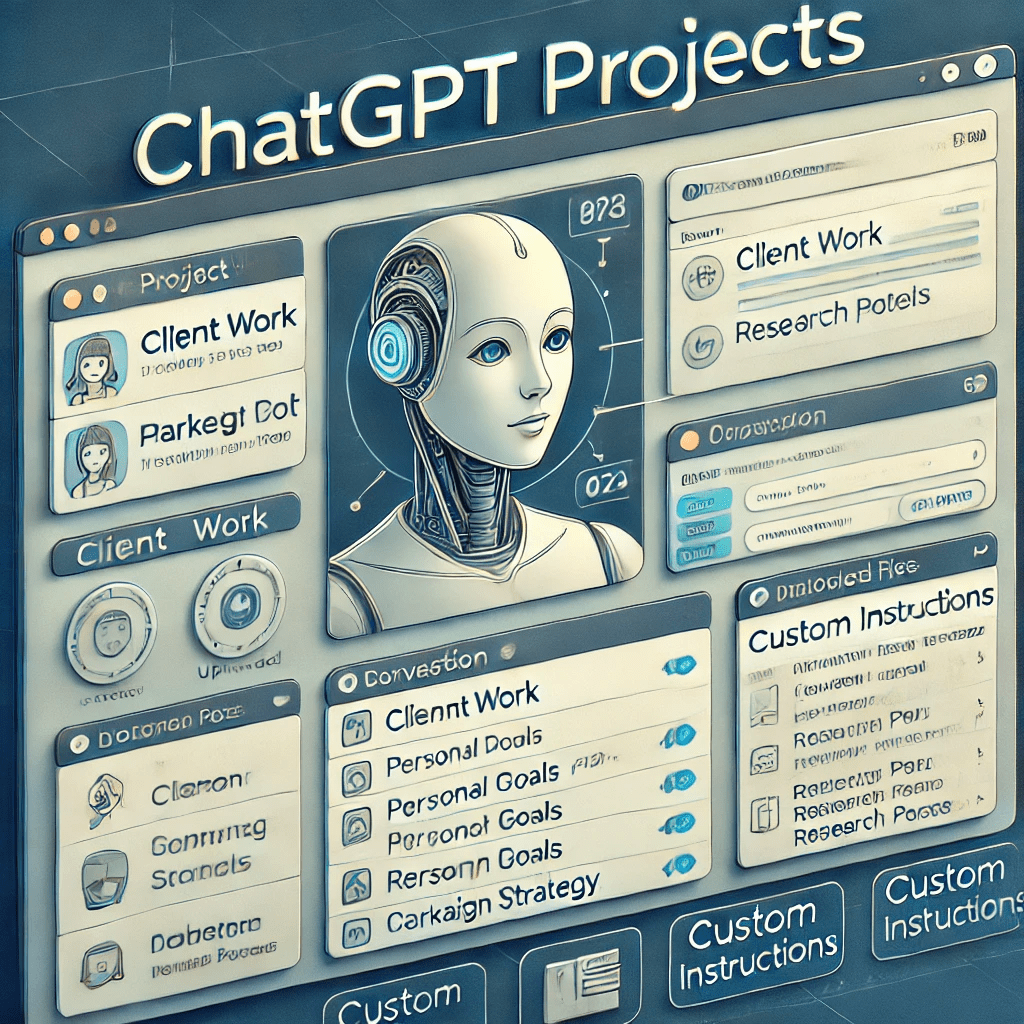
ChatGPT just got smarter and more organized! OpenAI has introduced Projects, a feature that helps you keep your work neat and tailored to your needs.
What Are Projects?
Projects are like folders for your AI conversations. They allow you to:
- Organize Chats: Group related conversations in one place.
- Upload Files: Add files to a Project for better context.
- Custom Instructions: Adjust how ChatGPT responds based on the task.
Who Can Use It?
- Available Now: For Plus, Pro, and Teams users.
- Coming Soon: Free users, Enterprise, and Edu accounts.
Why Use Projects?
- Keep your work tidy and focused.
- Simplify tasks like managing clients, studying, or organizing ideas.
- Save time by customizing ChatGPT for each Project.
How to Start?
- Go to the Projects tab.
- Create a new Project.
- Add files or set custom instructions.
Projects make ChatGPT more useful than ever. Start organizing today and enjoy a smoother workflow!







Leave a comment